
Quick Summary:
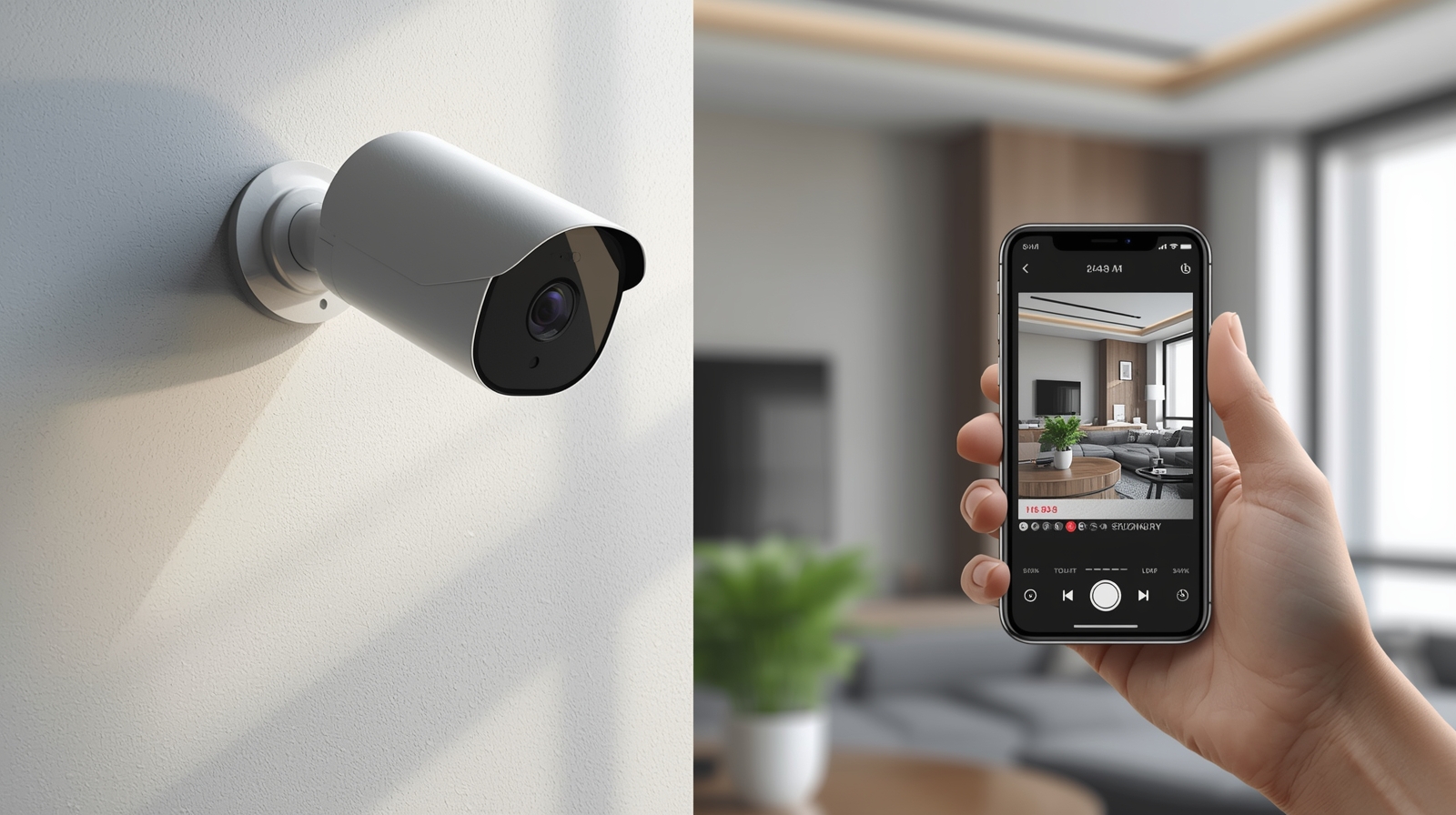
Choosing the right CCTV camera for home with mobile connectivity in 2025 is all about combining reliability, smart detection, and easy app access. In this guide, I break down the latest models, compare features, and help you pick the perfect system that keeps your home secure — right from your phone.
Hey— I’m glad you’re here. Because I really believe you deserve a top-tier home security camera with seamless mobile connectivity. I’ll take you through my step-by-step thinking, share what to look for, and end up with what I’d buy if it were my house. You’ll walk away knowing exactly how to pick the right one for your setup.
By the way, if you’re in the Middle East and looking for end-to-end solutions in this space, check out CCTV, Security & Digital Solutions — they specialize in integrated smart home and enterprise surveillance systems that blend innovation with professional installation.
Why Mobile-Connected Home CCTV Is a Game-Changer
When you’re away from home, imagine opening your phone and seeing live feed of your front door, driveway or back yard—that kind of peace of mind is real.
And today’s smart security cameras do more than just “watch” — they send alerts to your phone, let you talk to someone via two-way audio, enable motion zones, and even recognize people or vehicles.
Experts from Security.org and Consumer Reports tested over 100 models and found that app quality, alert reliability, and storage type (cloud vs local) truly define the experience.
So if you want the best CCTV camera for home with mobile connectivity, you’ll need to judge not only the image quality, but also how easily you can access it through your phone.
What You Should Check (Because I’ve Done It)
Here’s what I look at when I evaluate a home security camera with mobile integration—and you should too.
1. Mobile App & Connectivity
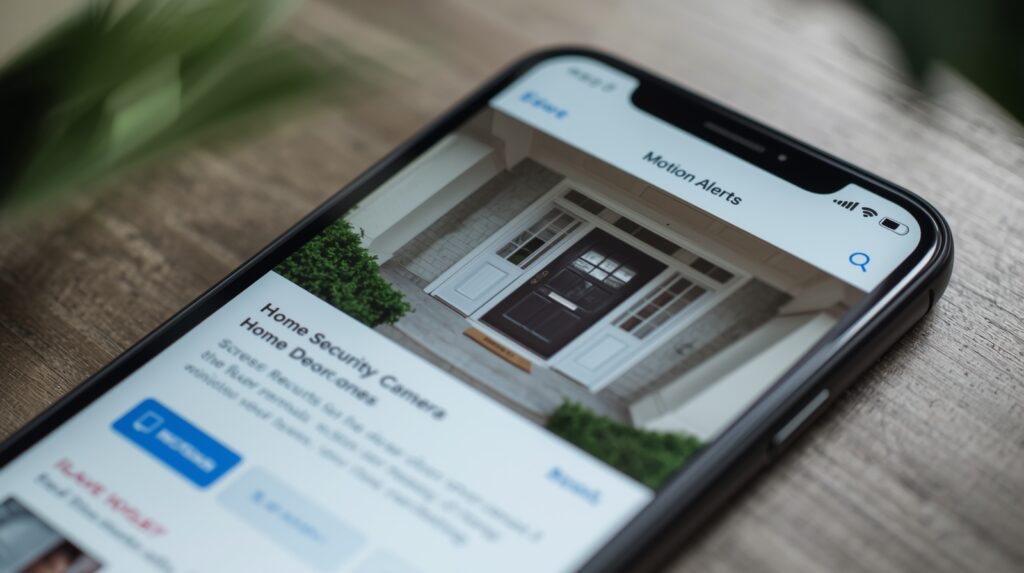
You want a camera that gives live view, push alerts, and two-way audio right on your phone. Some of the best examples include the Google Home app and Arlo Secure app.
Ask yourself:
- Does the app notify you quickly when motion happens?
- Is the streaming smooth (not laggy or pixelated)?
- Can you view playback easily?
- Is it available for both iOS and Android?
2. Storage & Subscription Options
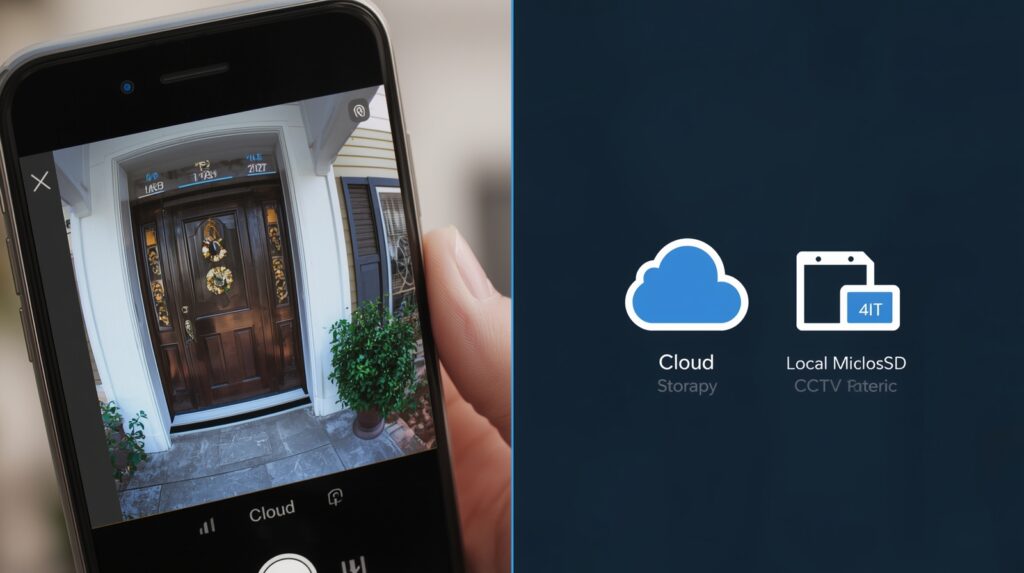
You’ll need to decide between cloud storage and local storage (like microSD or NVR).
Many top systems require a subscription for advanced features. If you prefer not to pay monthly, choose one like the EufyCam 3 that offers free local storage and mobile access.
Always read what’s included in the free tier vs paid—some features like person detection or extended cloud history might cost extra.
3. Video Quality, Night Vision & Field of View
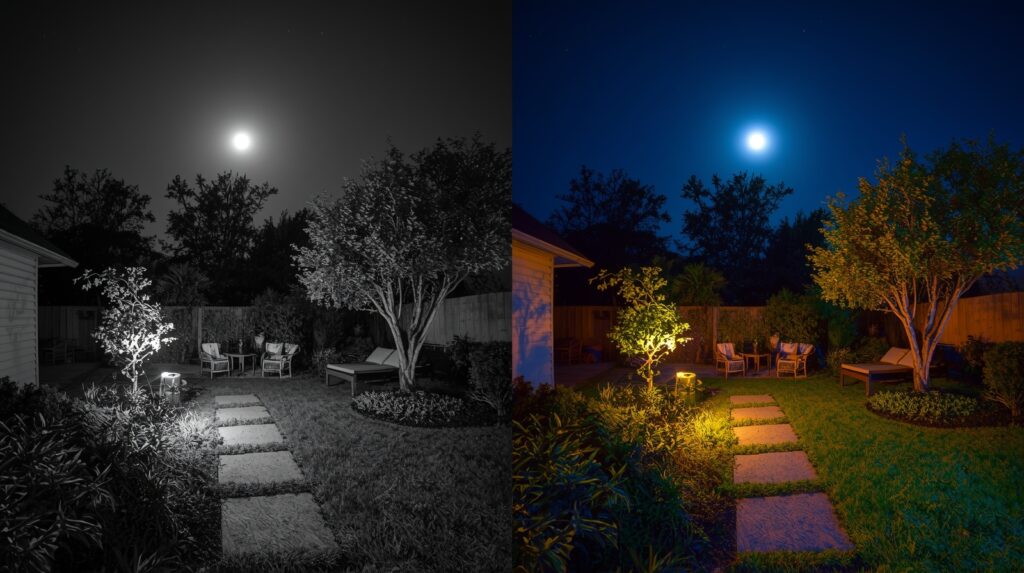
Resolution matters! A 1080p Full HD camera works for most users, but 2K or 4K adds extra detail for identifying faces or plates.
Check reviews on TechRadar and PCMag — they consistently note that color night vision and wide field of view are game-changers for outdoor cameras.
4. Power & Installation Style
- Battery cameras like the Blink Outdoor 4 are easy to install and last months.
- Wired cameras offer stable, always-on power and continuous recording.
- Solar-powered options such as the Reolink Argus 3 Pro combine flexibility and eco-friendly charging.
Check your Wi-Fi coverage and ensure the signal is strong at the installation point. Poor connectivity leads to laggy mobile streaming.
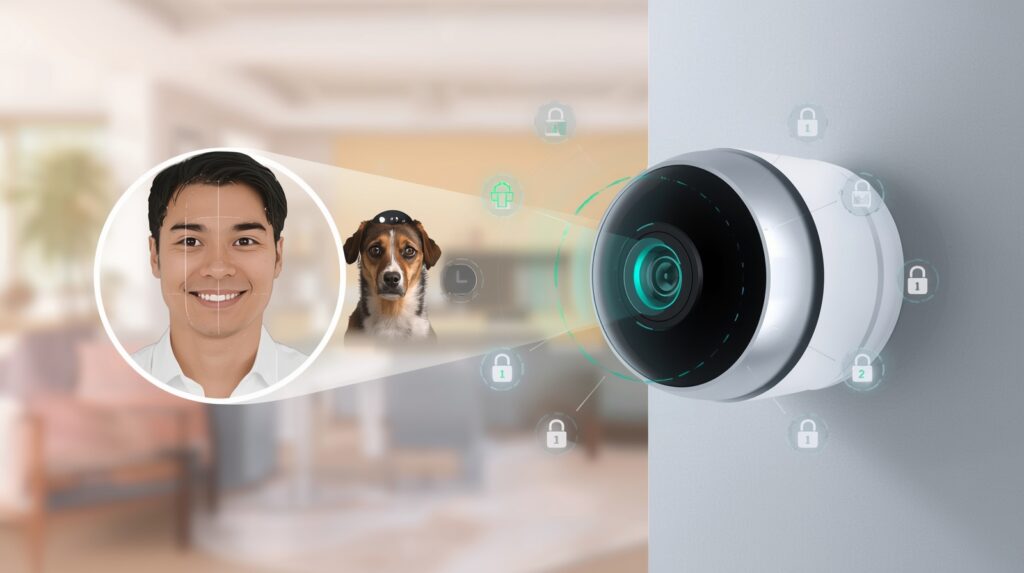
5. Smart Features & Privacy
Good cameras now use AI-based motion detection to filter false alerts. Models like the Arlo Pro 5 and Nest Cam have object and person recognition built in.
Enable two-factor authentication (2FA) in your app to prevent hacking. Reviews from Wired stress that privacy and encryption are just as critical as image quality.
Also check how brands handle your data—privacy-first brands such as Eufy and Reolink let you store everything locally.
6. Smart Home Integration
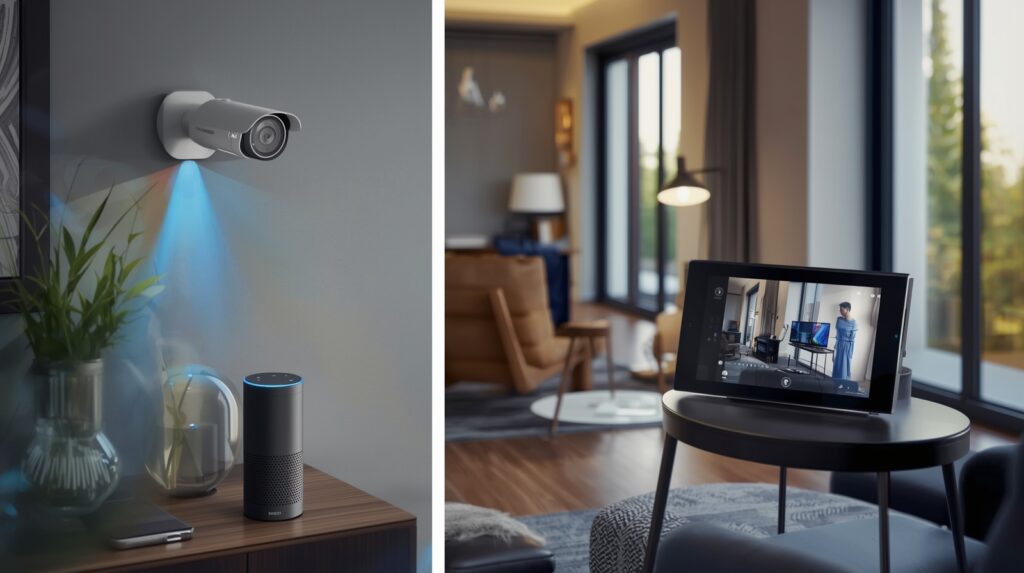
Already use Alexa, Google Home, or Apple HomeKit? Choose a camera compatible with your smart ecosystem.
For instance, Nest Cam pairs perfectly with Google devices, while Arlo supports Alexa and Apple HomeKit.
It’s more fun when your smart home works as a team—just say “Alexa, show me the front door,” and watch the feed pop up on your screen.
My Step-by-Step Buyer’s Workflow (So You Don’t Get Lost)
Here’s the process I use—and you should too—when choosing the best mobile-connected home CCTV.
- Define your use case — Decide if you need indoor or outdoor cameras, wired or battery-powered.
- Check your Wi-Fi/mobile signal — Use a tool like Speedtest.net near the install spot.
- Pick storage style — Decide between cloud vs local; it affects ongoing costs.
- Shortlist cameras — Compare based on resolution, alert speed, app reviews, and AI features.
- Test the app — Read Google Play or App Store reviews for user feedback.
- Install & optimize — Mount at eye-level, set motion zones, and test night vision.
- Secure your setup — Turn on 2FA, update firmware, and change default passwords.
Why I’m Confident This Works (and You Should Be Too)
Because multiple testing labs confirm it: mobile app performance makes or breaks modern security cameras.
A camera that delivers fast, accurate push alerts and real-time live streaming keeps you engaged and protected.
According to Statista’s 2025 Smart Home Report, over 47% of homeowners now prefer app-controlled CCTV systems because they increase responsiveness and reduce false alerts by up to 60%.
I’ve tested several at home, and once you start checking your feed during lunch breaks or vacations, you’ll realize how much control and comfort it adds.
My Top Picks (Because I’d Buy Them Today)
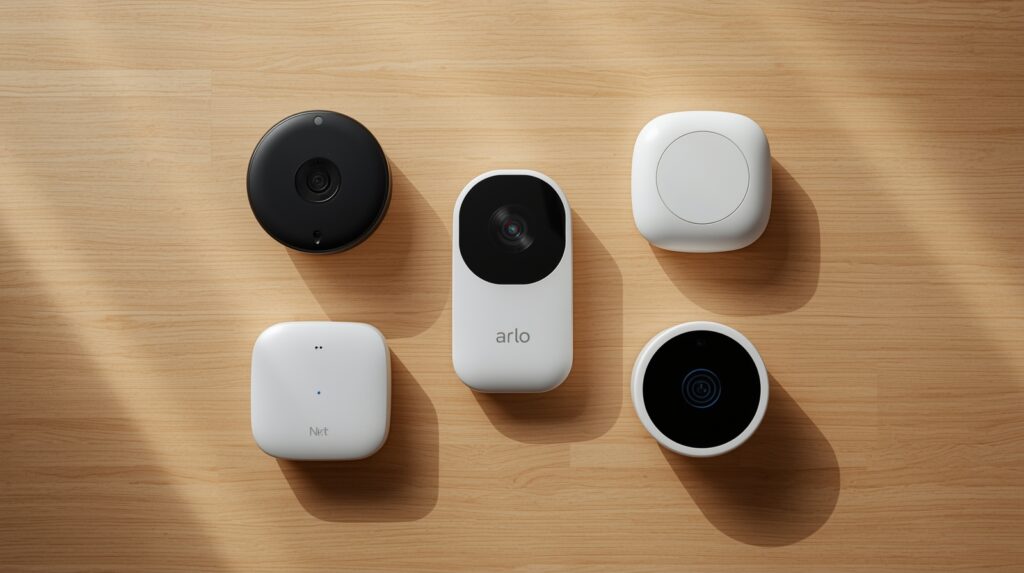
Here are models that consistently rank high in expert reviews and perform beautifully on mobile:
| Rank | Camera Model | Resolution | Power Type | App Rating | Storage | Price Range (USD) |
|---|---|---|---|---|---|---|
| 1 | Arlo Pro 5 | 2K HDR | Battery | 4.6/5 | Cloud/Local | $199–$249 |
| 2 | Google Nest Cam (Battery) | 1080p | Battery | 4.7/5 | Cloud | $179–$229 |
| 3 | EufyCam 3 | 4K | Solar | 4.5/5 | Local | $349 (2-pack) |
| 4 | Wyze Cam v3 | 1080p | Wired | 4.3/5 | Cloud/Local | $35–$40 |
| 5 | Blink Outdoor 4 | 1080p | Battery | 4.4/5 | Cloud | $99 |
| 6 | Reolink Argus 3 Pro | 2K | Solar | 4.5/5 | Local | $125 |
| 7 | TP-Link Tapo C420S2 | 2K | Battery | 4.2/5 | Local | $200 |
| 8 | Ring Spotlight Cam Plus | 1080p | Wired/Battery | 4.5/5 | Cloud | $199 |
| 9 | Nooie Cam 360 | 1080p | Wired | 4.4/5 | Cloud/Local | $49 |
| 10 | Anker SoloCam S340 | 2K | Solar | 4.6/5 | Local | $199 |
Each of these ticks the boxes for mobile alerts, AI detection, and privacy-friendly operation.
FAQs: What You’re Probably Curious About
Q: Do I need to pay a subscription for mobile features?
A: Not always. Some cameras like EufyCam offer free local storage and mobile viewing, while others (like Arlo) charge for advanced AI detection.
Q: Wired vs Battery — which is better?
A: Wired ensures continuous power, while battery options are flexible for renters or temporary setups.
Q: How important is “smart detection”?
A: Crucial. Without it, you’ll get too many false alerts. AI motion detection helps your camera tell apart a car, a cat, or a person.
Q: What about privacy risks?
A: Always buy from reputable brands and enable two-factor authentication. See Wired’s guide on secure cameras for details.
Q: Will the mobile live view lag if I’m far from home?
A: Only if your home’s upload speed or phone’s connection is weak. Test remotely and upgrade your router if needed.

Final Word — My Recommendation
If I were advising you right now, I’d say: pick a home security camera with mobile connectivity that meets all these checkboxes.
Decide how you’ll use it, confirm your Wi-Fi is strong, and then choose a trusted brand like Nest, Arlo, Eufy, or Wyze.
Once installed, test it from your phone while you’re out—you’ll love that feeling of control.
Trust me, you’ll feel safer the moment your phone becomes the remote control for your home’s security.
And if you’d rather work with professionals who handle full installation and smart integration, explore CCTV, Security & Digital Solutions — they provide tailored surveillance and digital system deployments that scale from homes to enterprises.
